SYLENT 💰 Installation & Setup Guide
Follow each step carefully to ensure the loader, bypass, and menu are configured correctly. If you experience any issues, our 24/7 support team is available on Discord.
Download & Login
Purchase your Sylent key: If you don't already have a valid license, grab one directly from our store: https://sylent.mysellauth.com/.
Download the Sylent loader from your delivery email or dashboard order page.
Open the loader and log in using the unique license key you received after purchase.
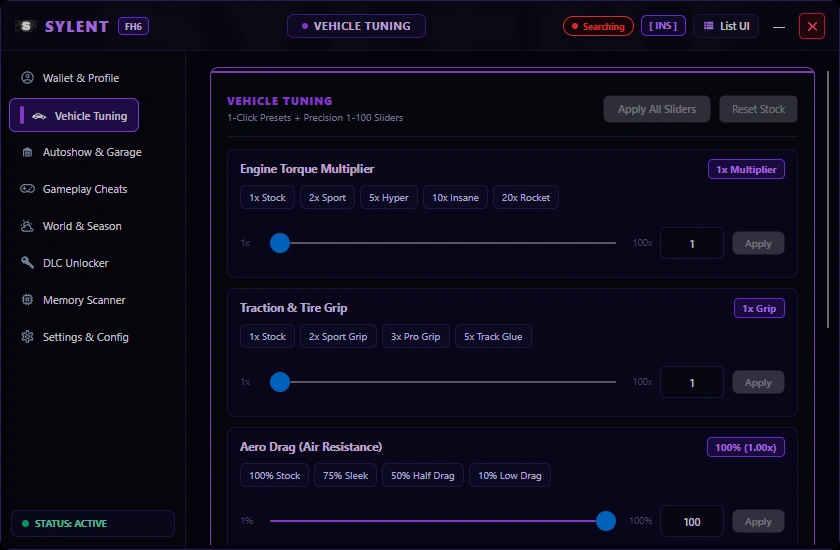
Make sure the loader connects successfully and displays an active status before proceeding.
If you receive a “Getting server response” error, some ISP regions experience connection routing issues with our host provider. Install free Cloudflare WARP to instantly resolve routing:
https://one.one.one.one/
BattlEye Settings
Open the Rockstar Games Launcher.
Navigate to Settings → General.
Locate the BattlEye option and configure it according to the official instructions for your game version.
Steam & Epic Games Launch Parameter:
If your GTA V is installed via Steam or Epic Games Store, you MUST append the following parameter to your game's launch options:
-nobattleye
Install Pub Lobby Tool / Bypass
Download the required pub lobby tool / bypass directly from the official Sylent loader interface.
Follow the installation prompt carefully, ensuring files are placed in your main GTA V game root folder (where GTA5.exe resides).
Verify that the tool files are present and not blocked by Windows Defender before launching the game.
Prepare Your Game
Turn off DLSS/FSR Frame Generation in Graphics settings if required by your menu build to avoid DirectX overlay conflicts.
Ensure Ray Tracing reflections and shadows are disabled for maximum stability and high-FPS rendering.
Note: Injecting late causes crashes. Launch GTA V, and as soon as the initial Rockstar siren/loading screen appears, press Inject in the Sylent loader. Do not wait until you have spawned in Story Mode or an Online session.
Menu Controls 🎮
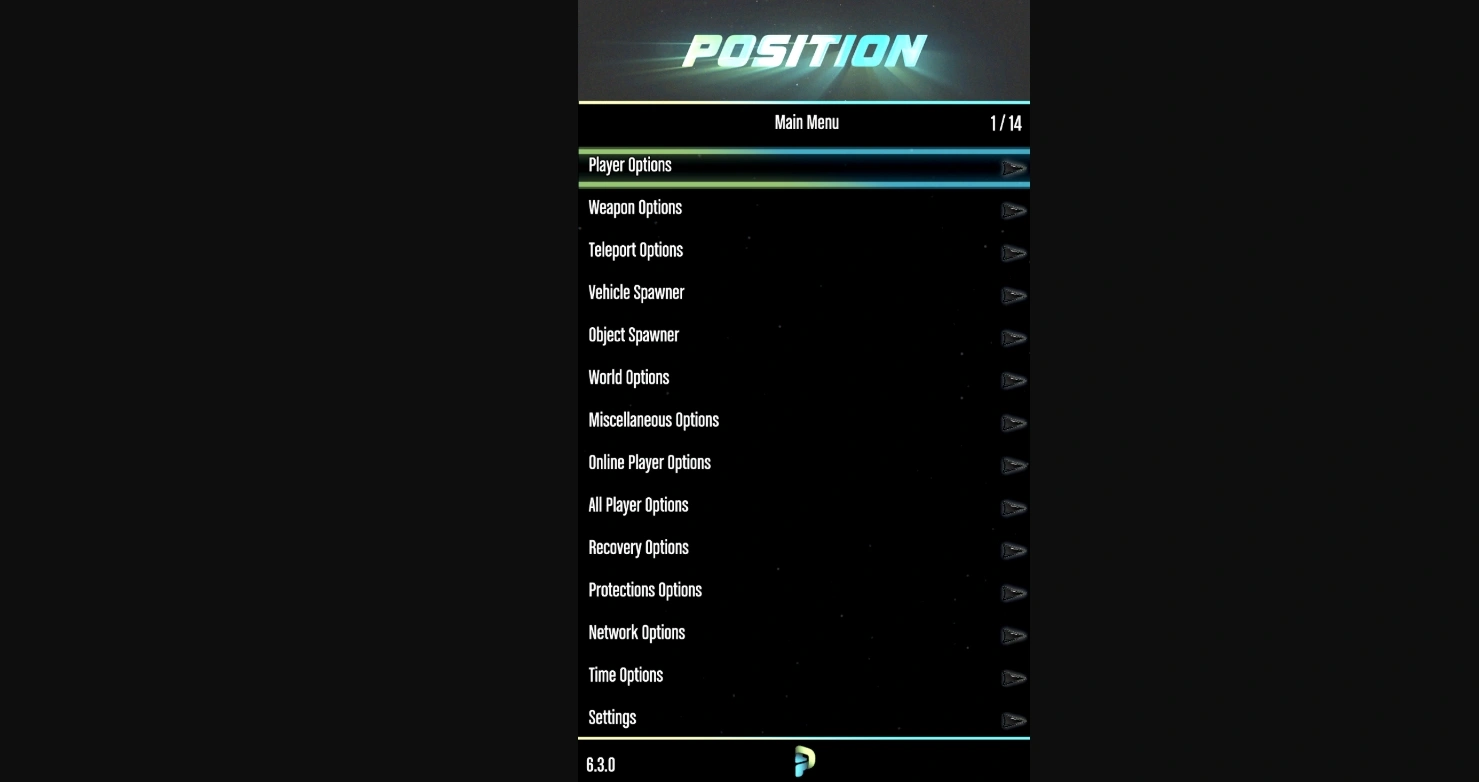
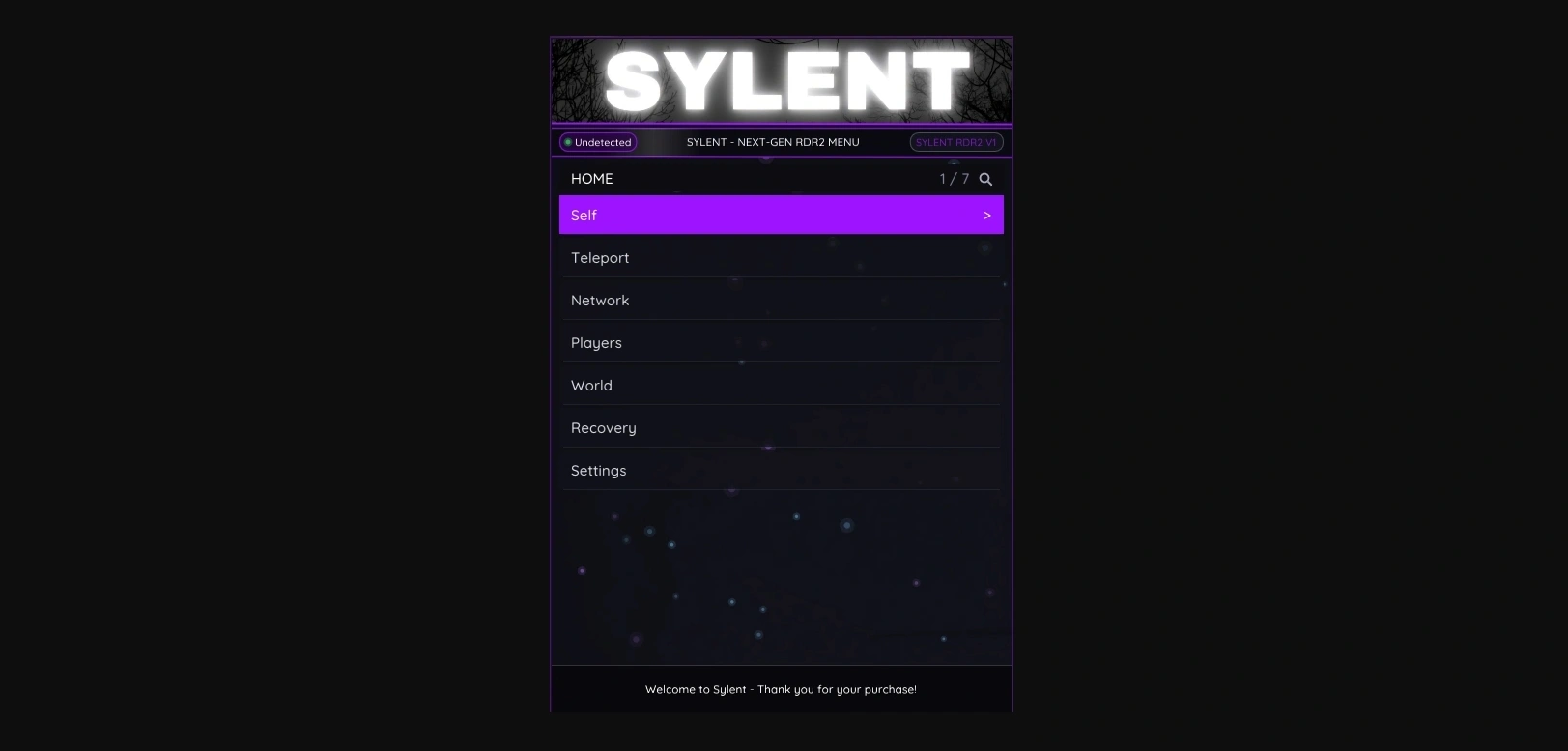
Press the designated key to toggle the in-game menu interface once GTA V has fully loaded:
Controllers are natively supported: hold RB + Right D-Pad on Xbox or R1 + Right D-Pad on PlayStation.
Troubleshooting & Error Fixes 🔧
Find solutions for the most common loader and in-game errors below.
“Getting server response” error
This occurs when local ISP routing or DNS filters block connections to our loader server.
“Game crash was absorbed”
This indicates an initialization, memory hook, or compatibility configuration issue.
The bypass tool keeps deleting itself
Your Windows Defender or 3rd-party antivirus software is actively quarantining the bypass dll/injector, or BattlEye is still active in Steam/Epic.
-nobattleye is saved in Steam/Epic launch options.
GTA V crashes during startup
Usually caused by corrupted game files, outdated GTA V version, or graphics overlay conflicts.
- Verify game files through Steam, Epic Games, or Rockstar Launcher.
- Check version compatibility between your GTA V build and Sylent.
- Disable Frame Generation and Ray Tracing in graphics options.
- If still unresolved, open a support ticket with your loader crash log.
IMPORTANT REMINDERS 💰
Need Setup Help or Have an Error?
Open a support ticket on our official Discord server. Please provide your GTA V version, Sylent loader version, and a screenshot of the error for instant resolution.
Log in to your account








No matches here — press Enter to search everything.
Type to search products.